What Is ERP Software? A 2026 Selection Guide
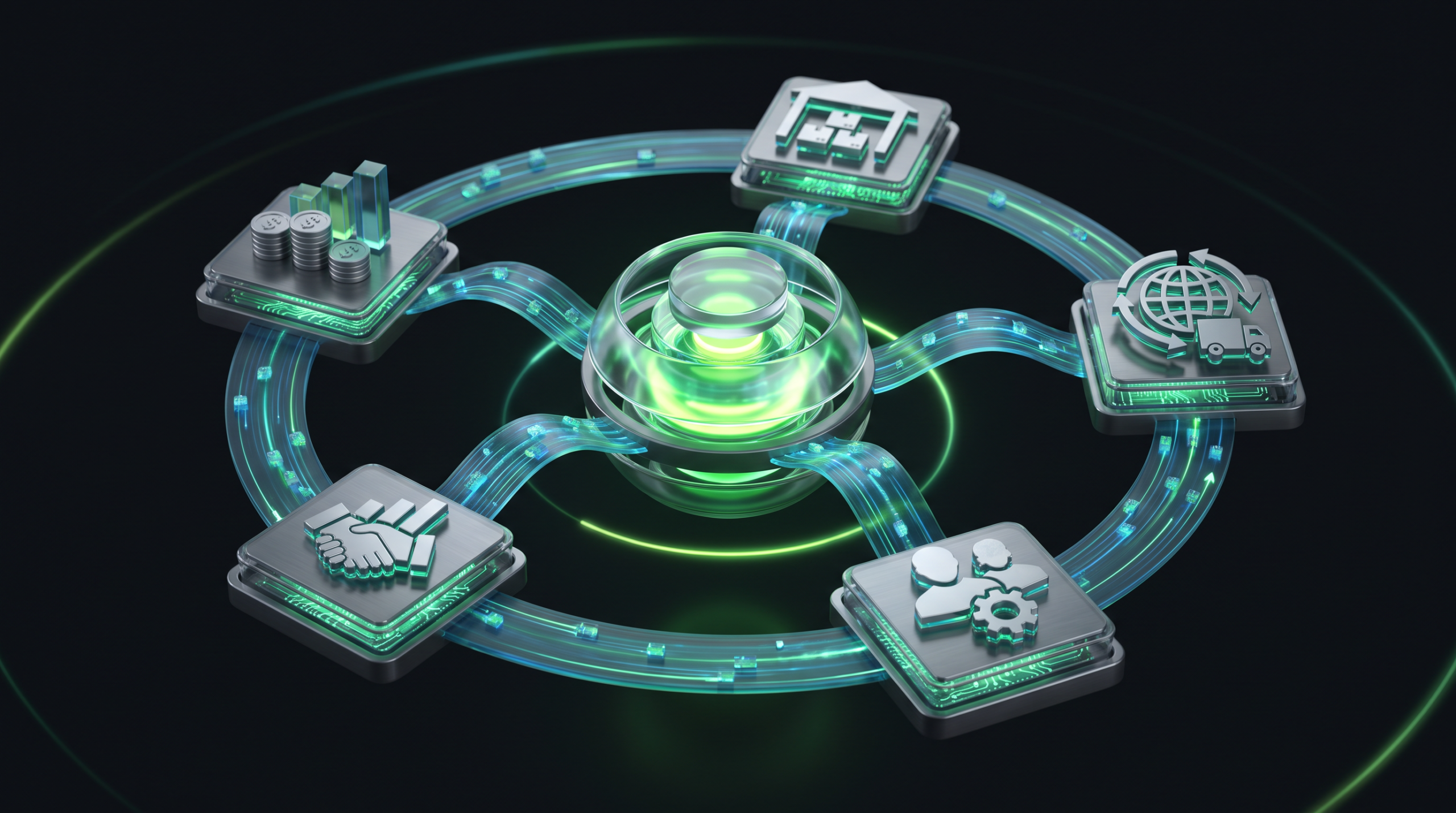
Table of Contents
ERP software is an enterprise resource planning system that unifies every core business process — finance, inventory, sales, purchasing, production, human resources and logistics — inside a single central database. Instead of departments working in separate spreadsheets or disconnected programs, everyone accesses the same real-time data. The impact is measurable: businesses using ERP report an average 23% increase in operational efficiency, and the global ERP market is projected to reach roughly $106 billion in 2026.
In this guide we examine, from a consultant’s perspective, exactly what ERP is, which modules it contains, its concrete benefits for your business, the criteria for choosing the right system in 2026, and the most common mistakes made during implementation.
What Is ERP Software?
Enterprise Resource Planning is an integrated family of applications used to plan and manage a company’s resources — money, materials, people and time. A well-designed ERP software automatically connects every step, from order to invoice, from stock receipt to cost calculation. As a result, data entered in one department is instantly reflected across all related processes, eliminating duplicate entry, silos and error risk.
The key feature separating ERP from a simple accounting program is integration: sales enters an order, stock is deducted automatically, purchasing creates a supply order, finance issues the invoice, and management monitors the entire flow live on a single dashboard.
Core ERP Modules
A modular structure lets a business use only the components it needs. Common modules include:
- Finance and Accounting: General ledger, accounts tracking, bank/cash, e-invoicing, budgeting and reporting.
- Inventory and Warehouse: Real-time stock levels, location tracking, barcodes, serial/batch traceability.
- Sales and CRM: Quotes, orders, pricing, customer relationships and sales pipeline management.
- Purchasing and Procurement: Supplier management, ordering workflows and cost control.
- Human Resources: Personnel records, leave, timesheets and document tracking.
- Logistics and Operations: Shipments, trips, vehicle/fleet management and customs processes.
For companies focused on logistics and transport, this last module is decisive; an industry-specific logistics ERP solution handles export, import and trip processes that a generic system cannot cover.
Benefits for Businesses
A properly configured ERP software delivers measurable gains. According to industry research:
- 74% of businesses experienced increased productivity and efficiency after ERP adoption.
- The average ERP investment returns 52% ROI — meaning $1.52 back for every $1 spent.
- Most companies recover their investment within 16 months.
- Data accuracy improves by an average of 30%, while inventory costs fall.
These benefits are not coincidental; centralized data, automation and real-time visibility directly reduce operational costs and accelerate decision-making.
ERP Software Selection Criteria for 2026
Choosing the right ERP software is the single most critical decision determining your project’s success. The main criteria to evaluate are:
- Scalability: Can the software keep pace with your growing user count and transaction volume?
- Integration Capability: Does it communicate via API with e-invoicing, banking, e-commerce and your existing systems?
- Industry Fit: Does it natively support your sector’s specific processes (logistics, manufacturing, retail)?
- Cloud or On-Premise? In 2026, cloud/hybrid solutions make up 83% of the market — cloud leads for flexibility and low upfront cost.
- Total Cost of Ownership (TCO): Calculate license, setup, training, maintenance and future customization costs together.
- Local Support and Compliance: Alignment with regional tax and e-invoicing regulations plus a responsive local support team.
If a standard package cannot fully meet your needs, a custom software development approach lets you build a system that fits your processes precisely.
Implementation Process and Common Mistakes
ERP implementation does not end with the purchase; the real work is the go-live phase. According to Panorama Consulting data, only 32% of implementations are completed on time, and a significant share fail to fully capture the intended benefits. Two-thirds of the most common failures stem from three root causes: inadequate change management, poor data migration and an inexperienced implementation team.
For success, follow a solid roadmap: clear goal-setting, analysis of current processes, clean data preparation, phased go-live and user training. The right consulting and implementation support minimizes these risks.
Frequently Asked Questions
Is ERP software suitable for small businesses?
Yes. Because modern cloud-based solutions are modular and scalable, small and medium-sized businesses can start with only the modules they need and expand as they grow.
How long does ERP implementation take?
It varies by scope and company size; small projects can go live within a few months, while comprehensive enterprise projects take 6-18 months. Good data preparation significantly shortens the timeline.
Should I choose cloud ERP or on-premise ERP?
Cloud is preferred for low upfront cost, remote access and automatic updates; on-premise suits full data control and specialized infrastructure needs. In 2026, the trend leans strongly toward cloud.
When does an ERP investment pay off?
Research shows the majority of businesses recover their ERP investment within an average of 16 months.
Let’s Make the Right ERP Decision Together
Choosing an ERP software is a partnership that will last for years — so it should be made with careful analysis, not haste. As Ankara-based Futurecode, we provide enterprise software and consulting to more than 126 clients. If you want to unify your logistics and transport processes on a single platform, Loggerise offers a purpose-built alternative. To discuss your project, get in touch with us. For a deeper look at the sector data, you can review the Panorama Consulting ERP report.