
 SketchOwn
The easiest way to learn to draw
SketchOwn — Draw step by step on paper.
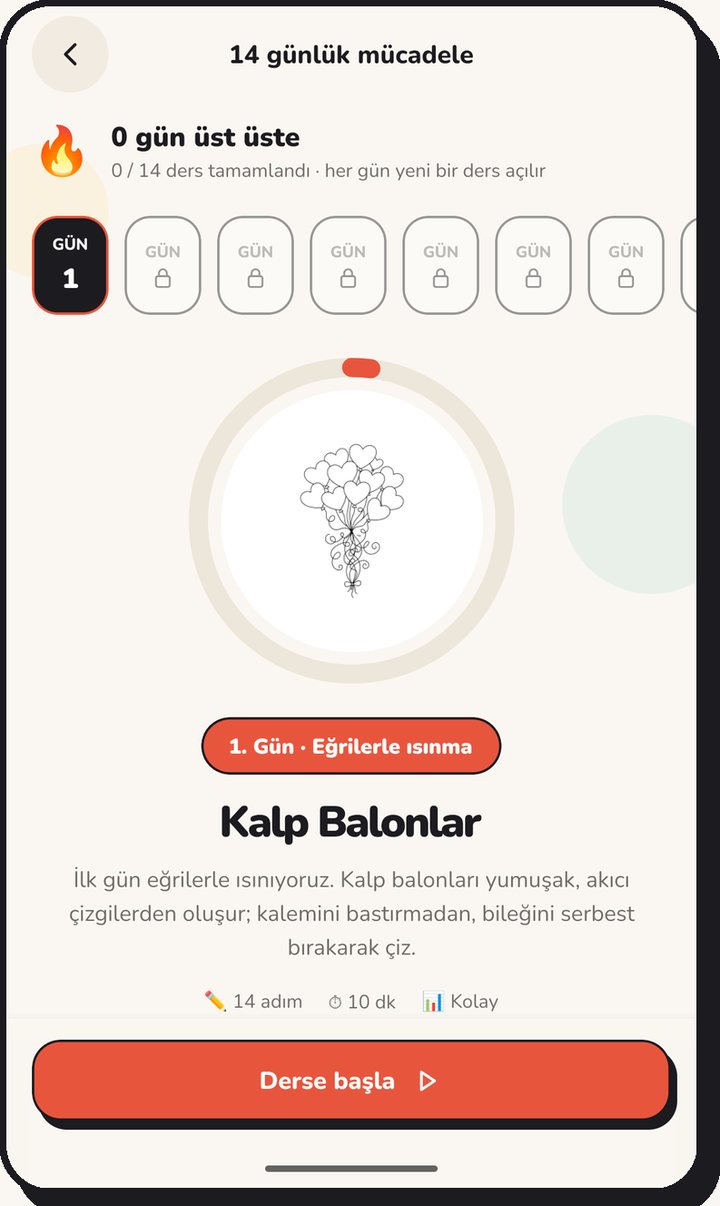
SketchOwn is a drawing assistant for everyone who wants to learn to draw. Place your phone on a glass, a stack of books or a tripod; a semi-transparent template appears over your paper and you trace it with a pencil. The drawing unfolds step by step: a few new lines at a time, at your own pace. Draw with the camera, on screen or in AR; there are no ads.
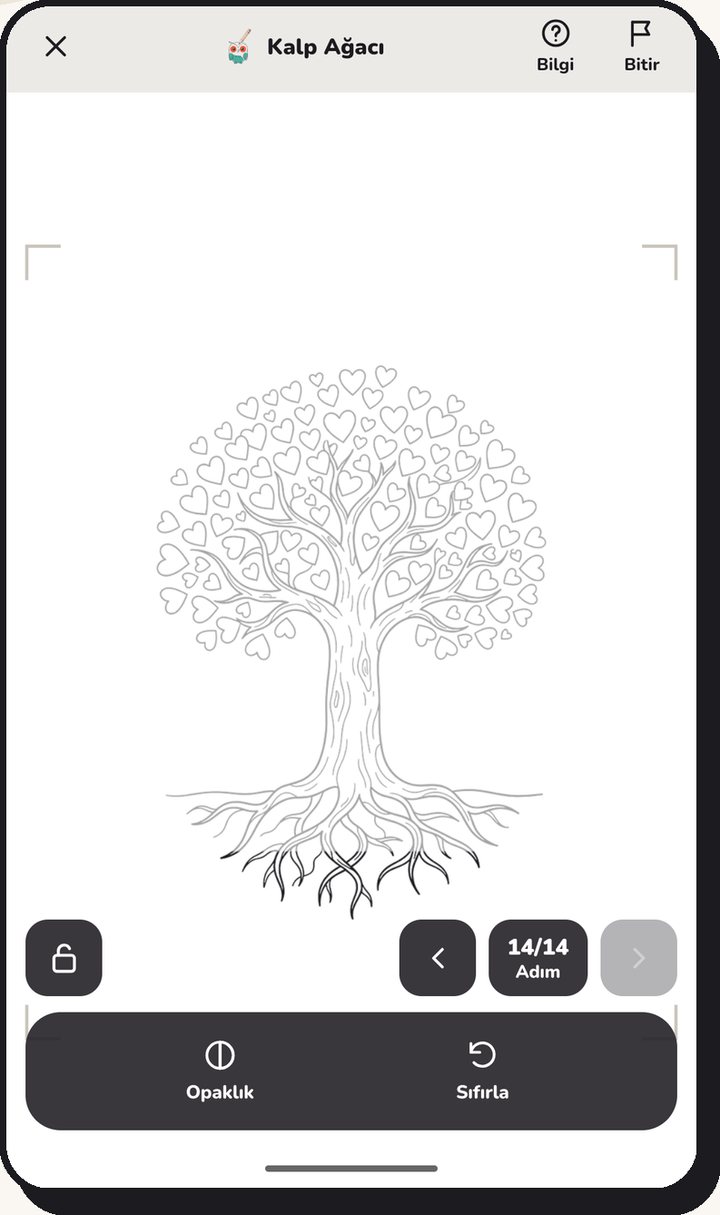
Three ways to draw.
Pick whichever suits you; switch any time.
AR works on devices that support ARCore (Android) or ARKit (iPhone).
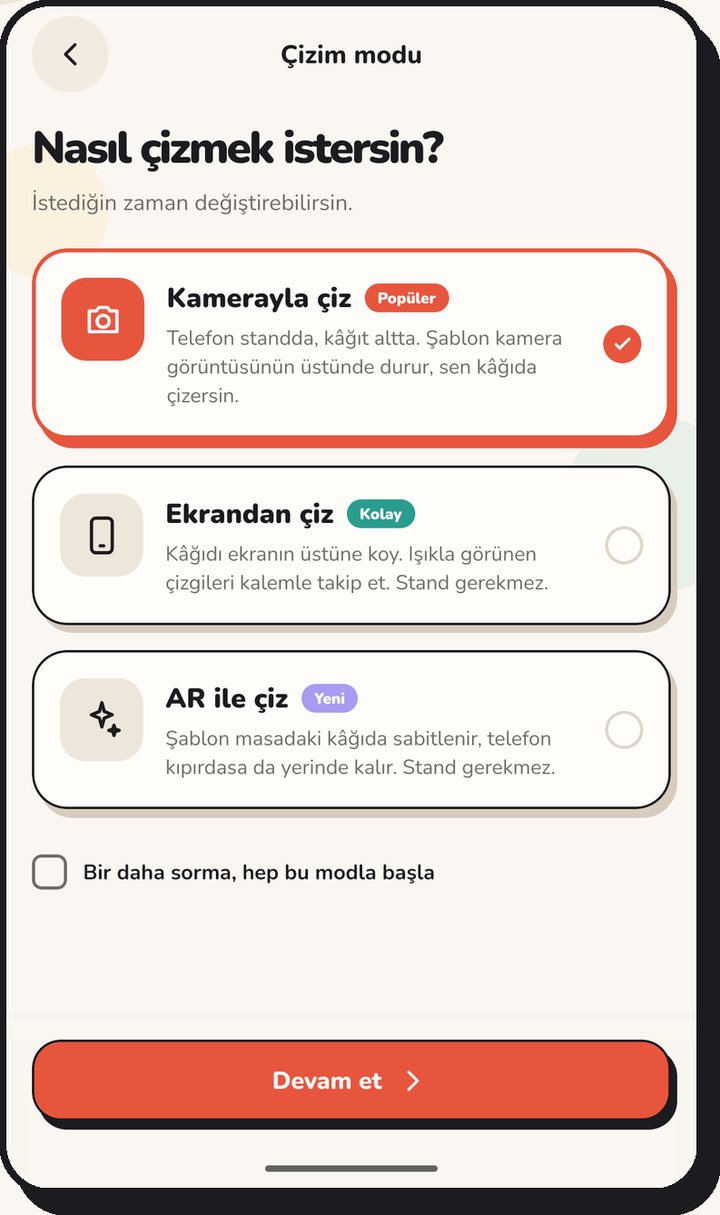
Get your hand used to it in 14 days.
A new lesson every day. Keep your streak.
- 1
- 2
- 3
- 4
- 5
- 6
- 7
- 8
- 9
- 10
- 11
- 12
- 13
- 14
14 day
One lesson is free every day. Watch and draw along; the magic pen detects your lines through the camera, finished parts turn green and you get a score out of 10 at the end.
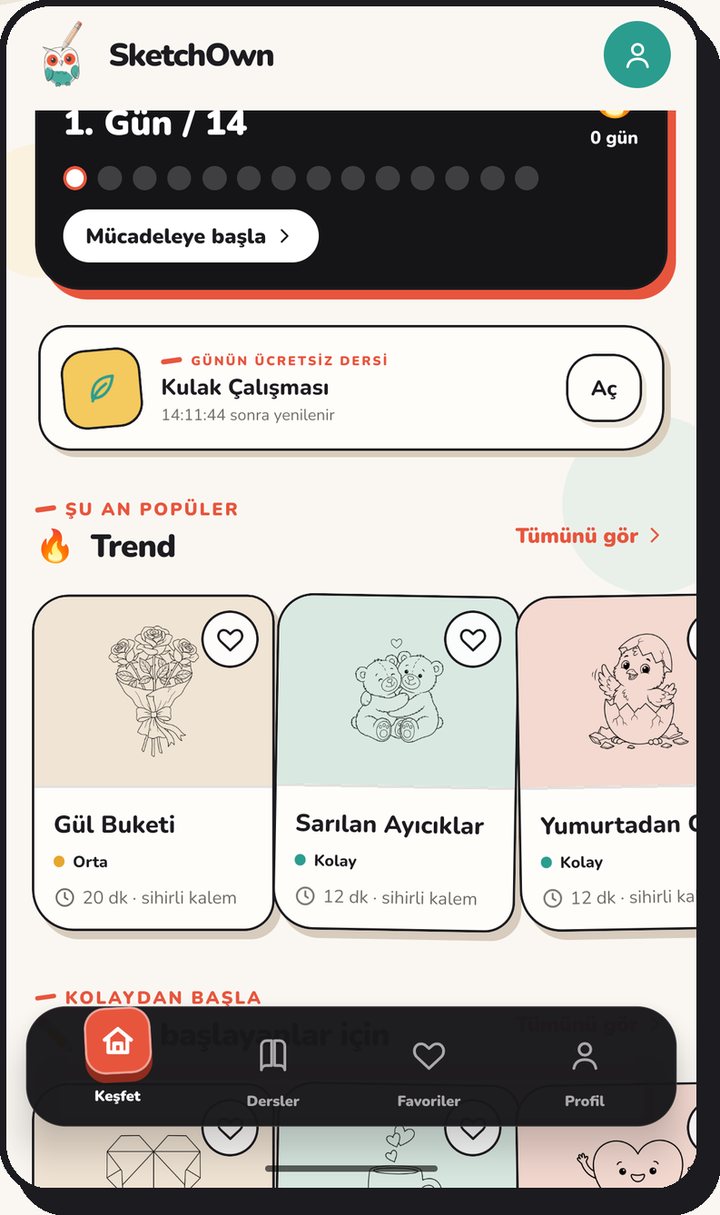
Make your own templates too.
About 200 ready templates in 16 categories.
- Anime
- Animals
- Cute
- Nature
- Food
- Objects
- Architecture
- Vehicles
- Geometry
- Portrait
- Anatomy
- Tattoo
- Love
- New Year
- Easter
- Holidays
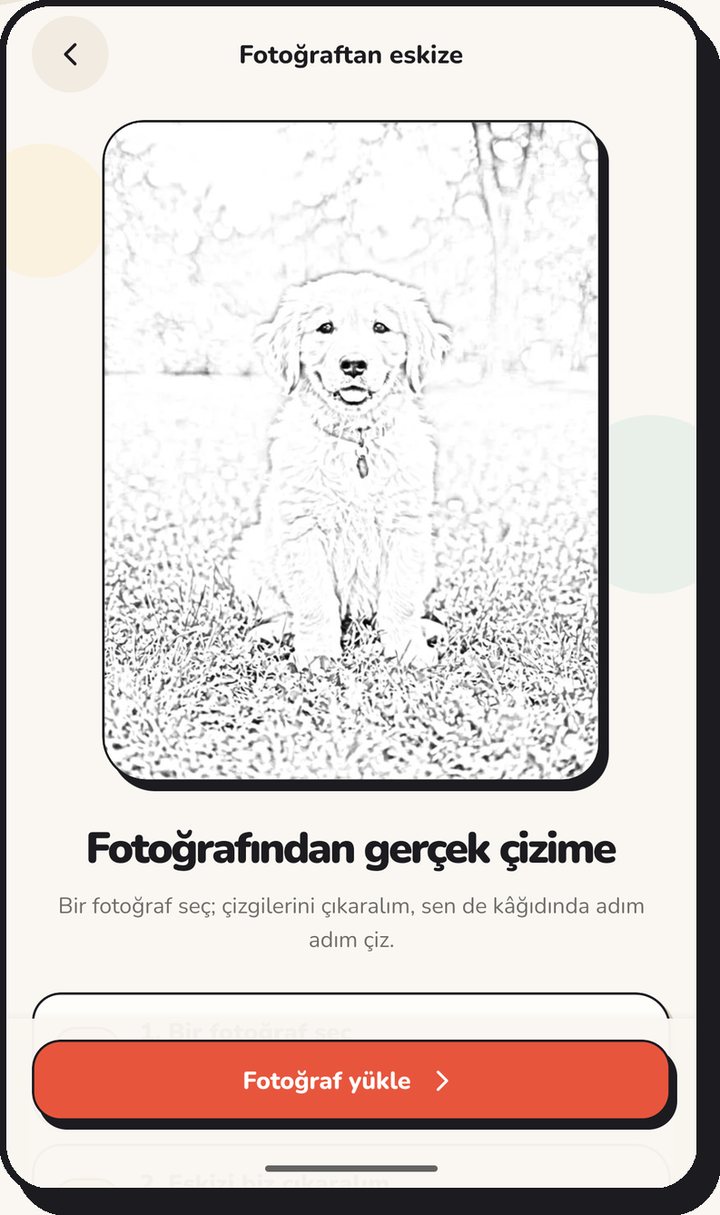
Photo to sketch
Pick a photo and we extract its lines. Your original photo is not stored.
Create with AI
Describe what you have in mind and we generate a line template. One generation a day with a free account; AI-generated ones are labeled.
Safe for families.
Your drawing session can become a video too.
Parental controls
An experience tuned to age, a parent PIN and a family link. Kids mode has no sharing and no account; there are no ads, no location and no advertising ID in any mode.
Creator mode
Record your drawing session with screen, sound and a face bubble in the corner. Videos stay on your phone and are never sent to us.
What is with you while you draw
Draw with the cameraDrawing mode
Phone on a stand, paper below. The template sits over the camera image.
Trace on screenDrawing mode
Lay the paper on the screen and follow the lines shining through with your pencil.
Draw in ARDrawing mode
The template is anchored to the paper on your desk and stays put even if the phone moves.
Magic penDrawing tool
The camera detects your lines and finished parts turn green; at the end you get a photo of your drawing and a score. Analysis happens only on the device.
Photo to sketchMake your own
Extracts the lines of a photo and turns them into a template. The original photo is not stored.
Create with AIMake your own
Describe what you have in mind and we generate a line template. One generation a day with a free account; monthly plans for more. AI-generated drawings are labeled.
14-day challengeLearning
A new lesson every day, draw-along steps and a drawing streak.
Creator modeSharing
Record your drawing session with screen, sound and a face bubble in the corner. Videos stay on your phone and are never sent to us.
Safe for familiesSafety
An experience tuned to age, a parent PIN and a family link. Kids mode has no sharing and no account.
Opacity, mirror, gridDrawing tool
Adjust the template to your drawing style: opacity, mirror, guide grid, flashlight, lock and zoom.
Favourites and searchDiscover
Save the templates you like and search by category and level.
Optional accountAccount
Draw without an account; an account is only for AI generation and backup. You can delete it in the app at any time.
Platforms
iPhone (iOS 16+) and Android
Languages
Turkish, English, German, French, Spanish
Drawing modes
Camera, screen, AR (on ARCore/ARKit devices)
Content
About 200 templates, 16 categories, 14-day challenge
Price
Free; optional monthly plans for AI generation (Sketch, Workshop, Studio)
Ads
None
Developer
FutureCode Teknoloji İnovasyon ve Yazılım A.Ş.
SketchOwn — frequently asked questions
What is SketchOwn?
SketchOwn is a drawing-assistant app for everyone who wants to learn to draw. It projects a semi-transparent template over your paper on the phone screen and unfolds the drawing step by step; you can draw with the camera, on screen or in AR.
Do I need a stand?
No. You can rest the phone on a glass or a stack of books. In trace-on-screen mode you lay the paper directly on the screen and need no stand at all.
How does AR drawing work?
In AR mode the template is anchored to the paper on your desk and stays put even if the phone moves. It works on devices that support ARCore (Android) or ARKit (iPhone).
Is SketchOwn free?
Yes, it is free to download and has no ads. Templates, lessons and drawing modes are free. Only AI template generation is limited: one generation a day with a free account, with monthly Sketch, Workshop and Studio plans in the store for more.
Do I need an account?
No. You do not need an account to draw. You can create an optional one for AI template generation and backup.
Is my photo stored?
No. With photo-to-sketch the original photo is not stored; the lines are extracted and the drawing is visible only to you. The magic pen examines the camera only on the device.
Is it safe for children?
Yes. There are no ads, no location and no advertising ID. The experience is tuned to age with a parent PIN and a family link, and kids mode has no sharing and no account.
Which devices does it run on?
iPhone (iOS 16 and later) and Android phones. The Android version is on Google Play; once the iPhone version is published, the App Store button opens its store page.

